Application packaging in Intune or SCCM is one of the jobs that can frequently create headaches. For many years, Adobe products have been challenging to automate and deploy for MECM/Intune Admins. Whether because of updates, licensing, or unclear instructions, it has always been a challenge for Adobe Creative suite products. I was recently tasked to package Adobe Photoshop with Intune. To my pleasant surprise, Adobe now has a cloud admin console that makes that process a breeze compared to what was done before. In this blog post, we will detail how to generate a source installation for Adobe Photoshop using the Adobe Admin Console and deploy it using Intune.
We will start by downloading the software from the Adobe website. Here are the high-level steps :
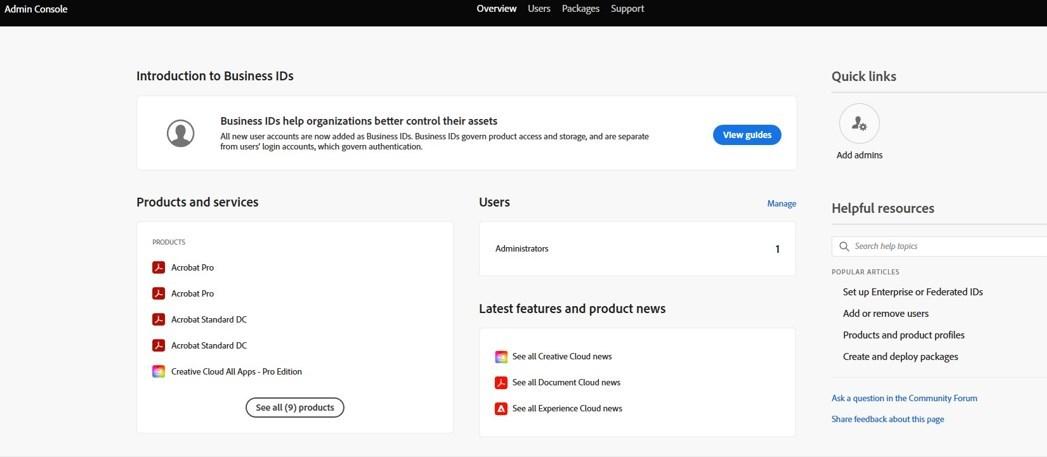
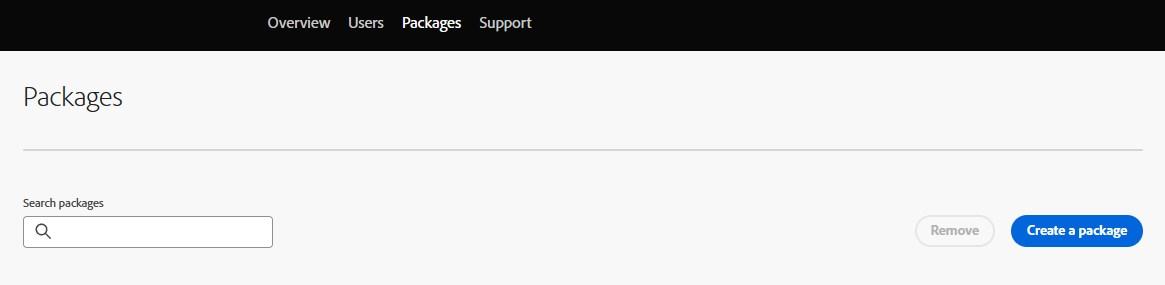
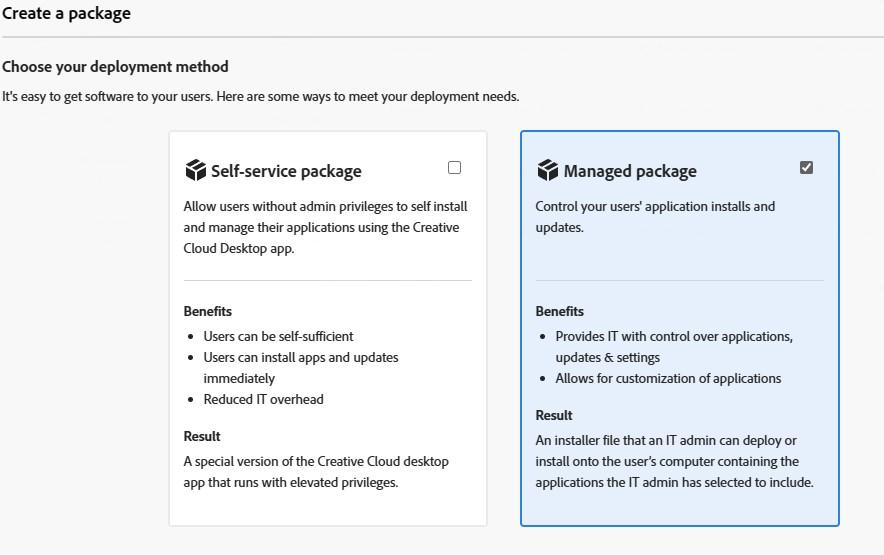
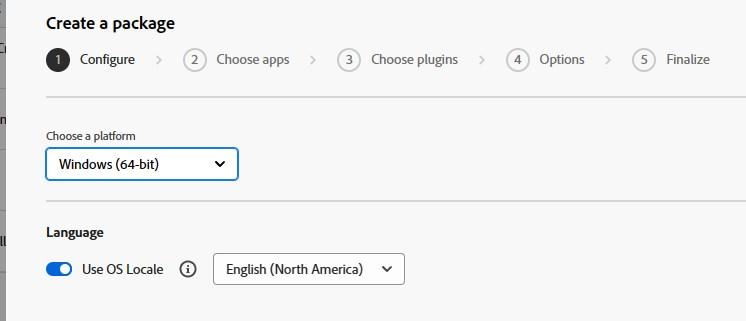
Abode products need to match the architecture of the OS. 32 Bit applications won’t work on 64-bit Windows 10/11. Failure to do so will result in the following error in the PDApp.log generated by the installer.

Creative Cloud Desktop application is mandatory to manage Adobe products.
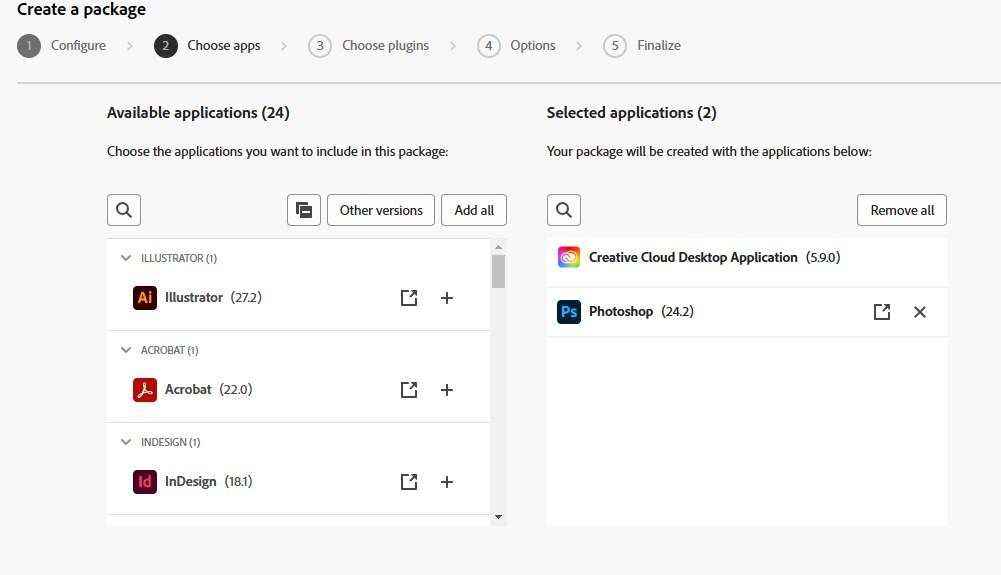
Various build options are also available to be selected.
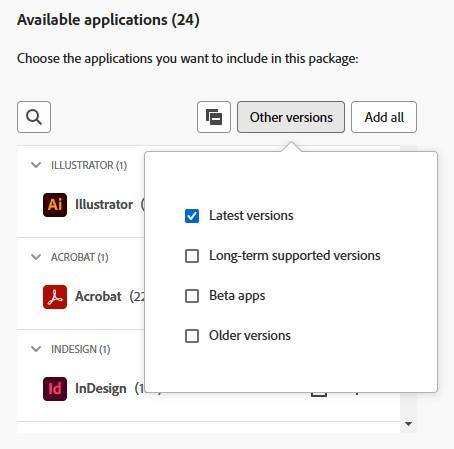
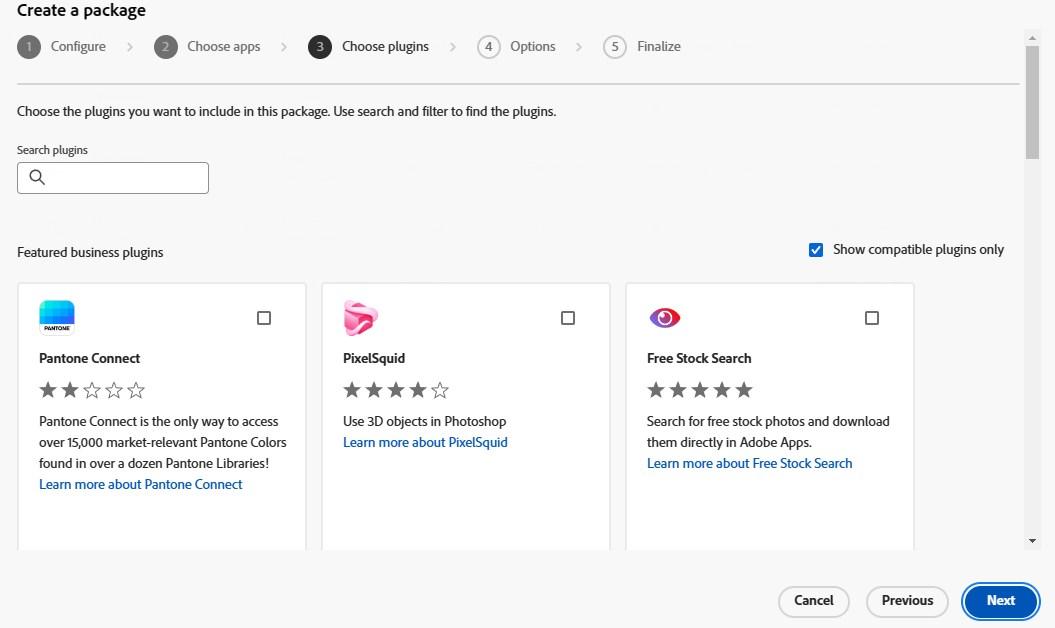
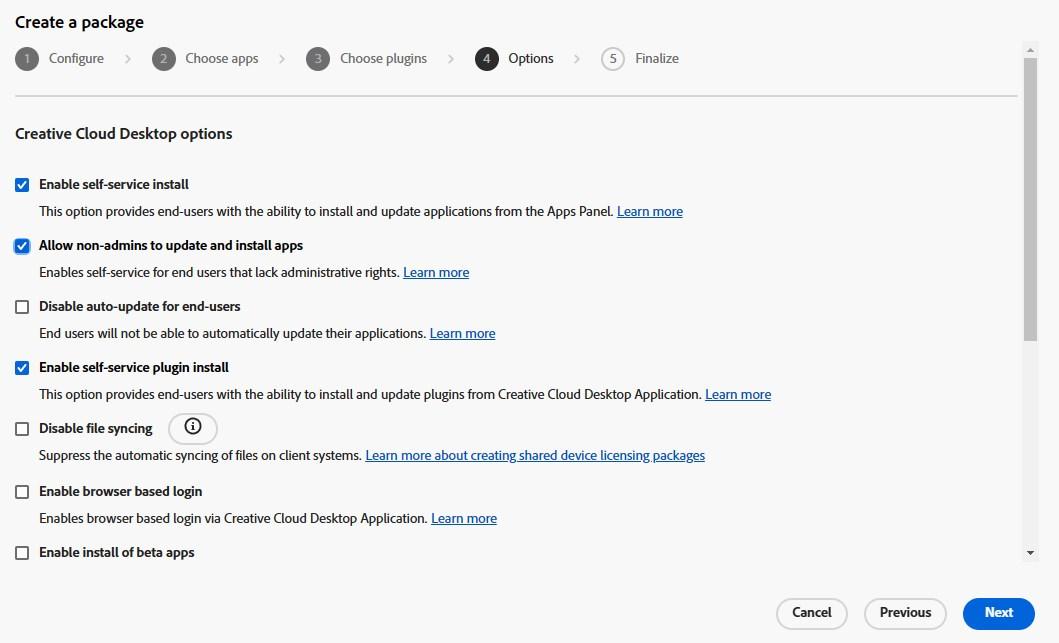
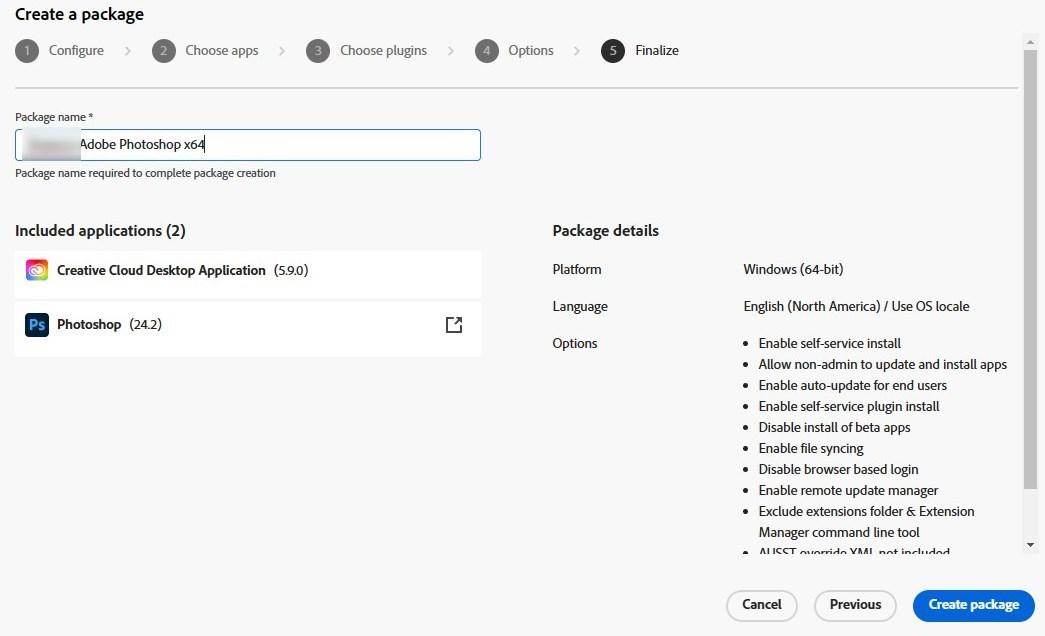
Note that the download expires within a few days of creation. Once expired, the package must be re-created
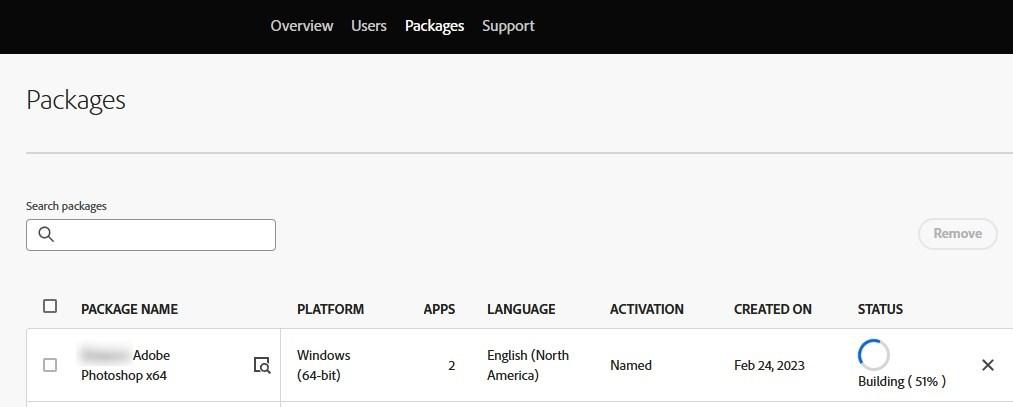

For more details about the creation of a Managed Package, see Adobe Docs
We will now create the folder structure to host our Adobe package.

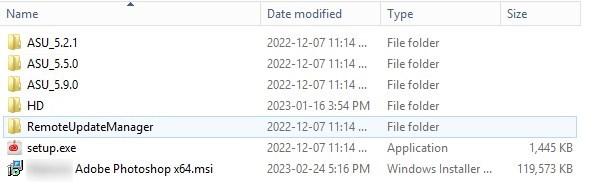

We will now head to the Intune portal and prepare the Photoshop intune package
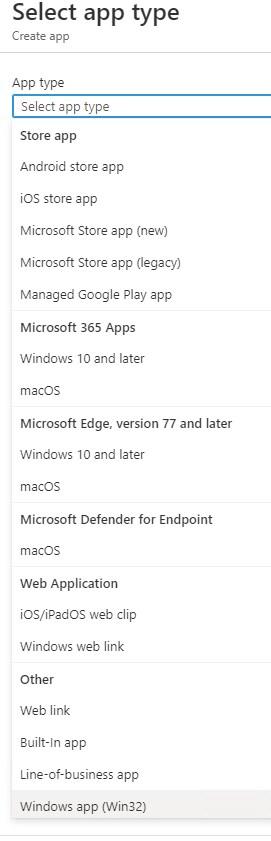
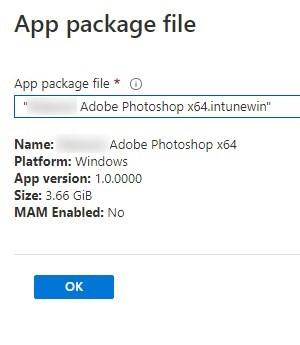
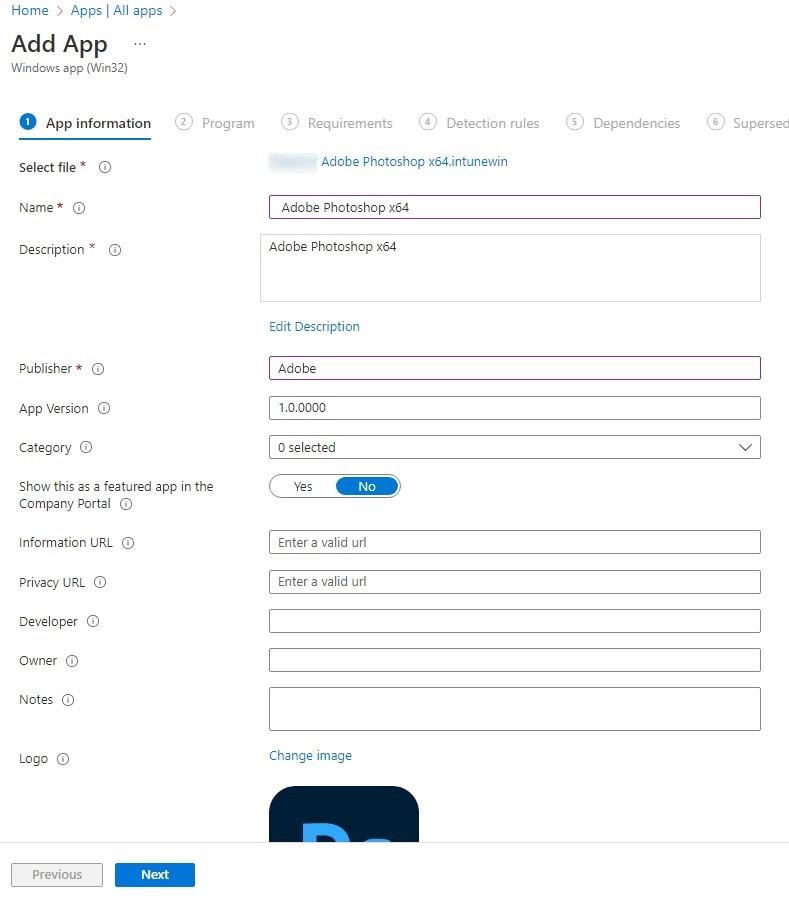
Setup.exe can also be used by using the –Silent parameter.
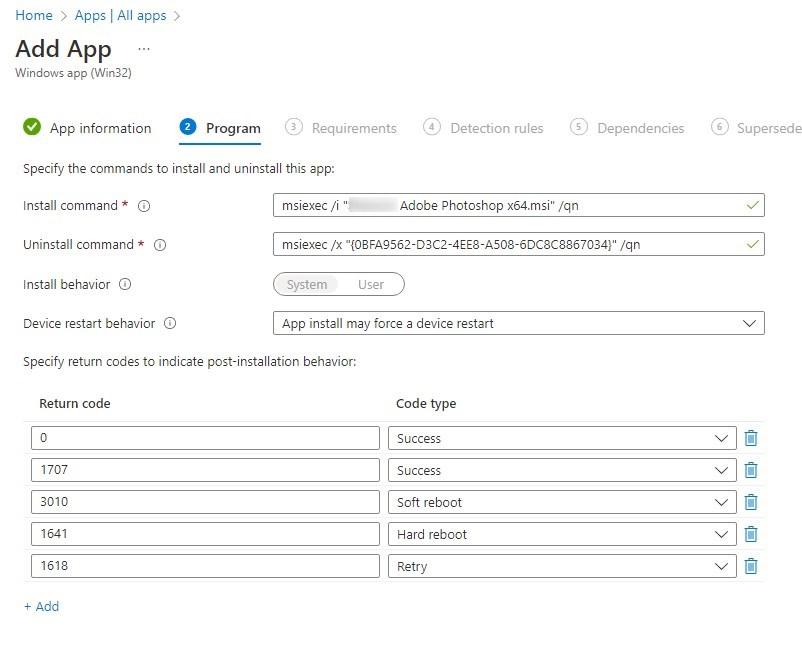
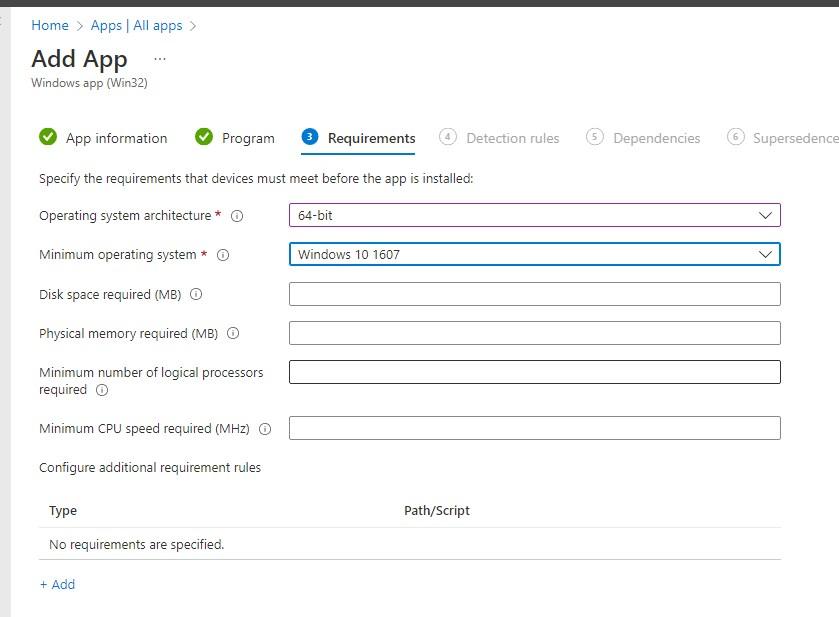
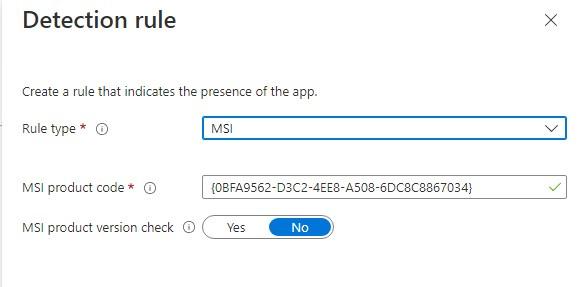
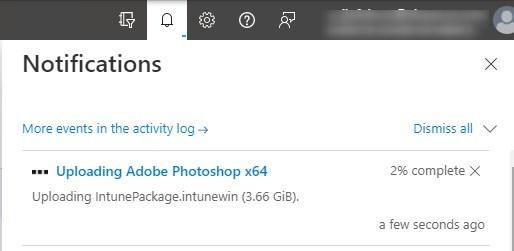
For more details about Intune’s Win32 Application, see Microsoft docs.
On a test device, Adobe Photoshop is installed along with the required Creative cloud application.
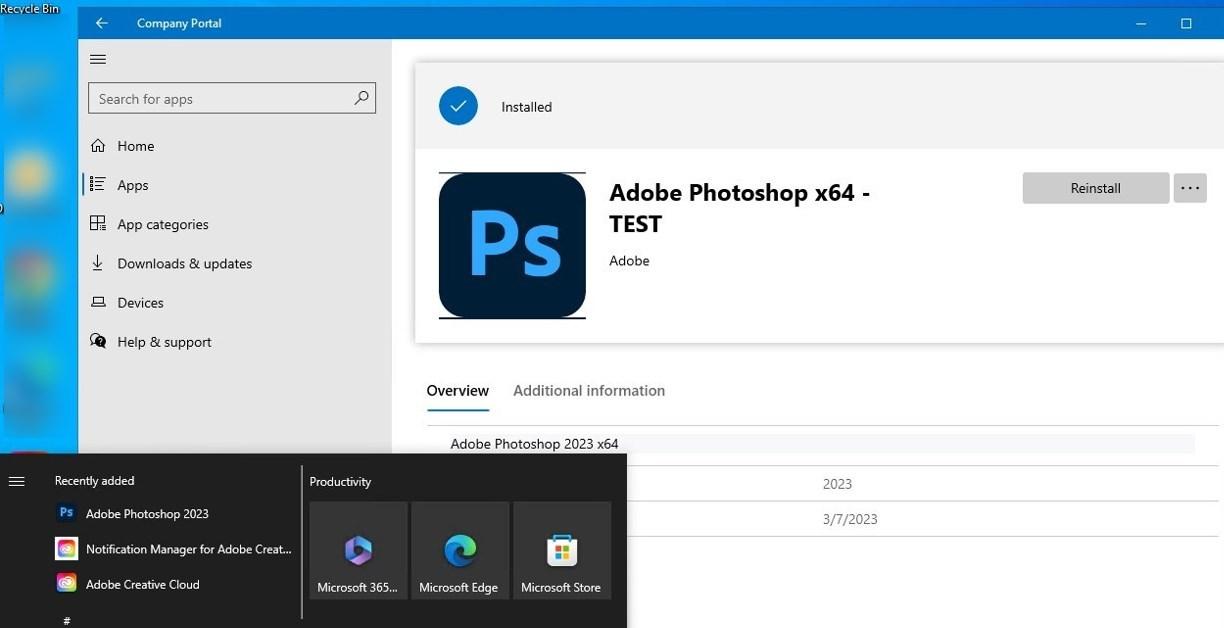
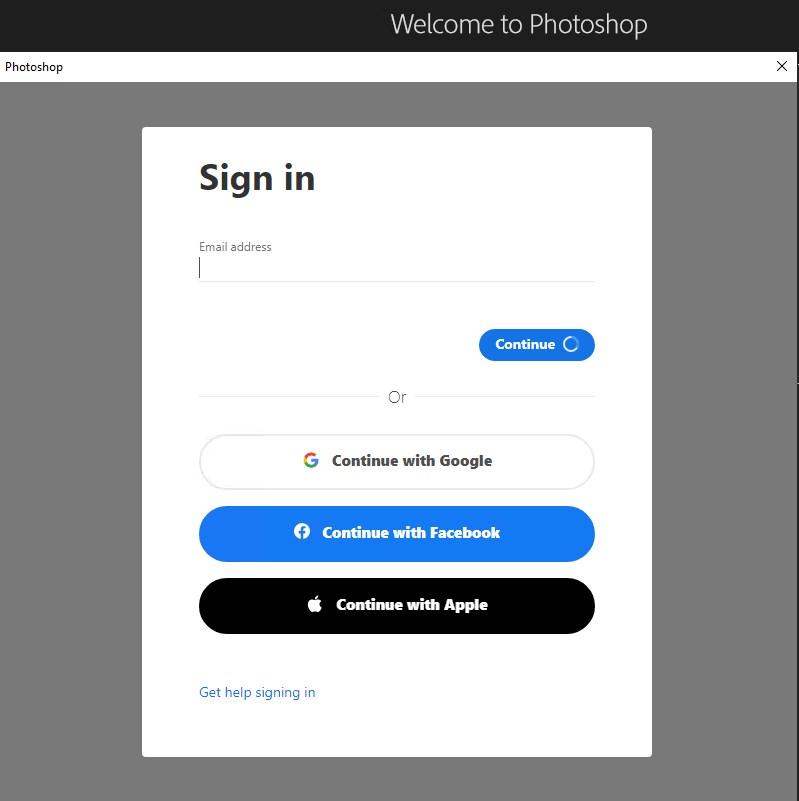
Once launched, it requires a login to receive the license to use it.
For more details, see Adobe docs

Please fill out the form, and one of our representatives will contact you in Less Than 24 Hours. We are open from Monday to Friday.

Thank you for subscribing to our newsletter or requesting a quote. You will receive our next month's newsletter. If you have requested a quote, we will get in touch with you as soon as possible.

Something went wrong!


Thank for your reply!