

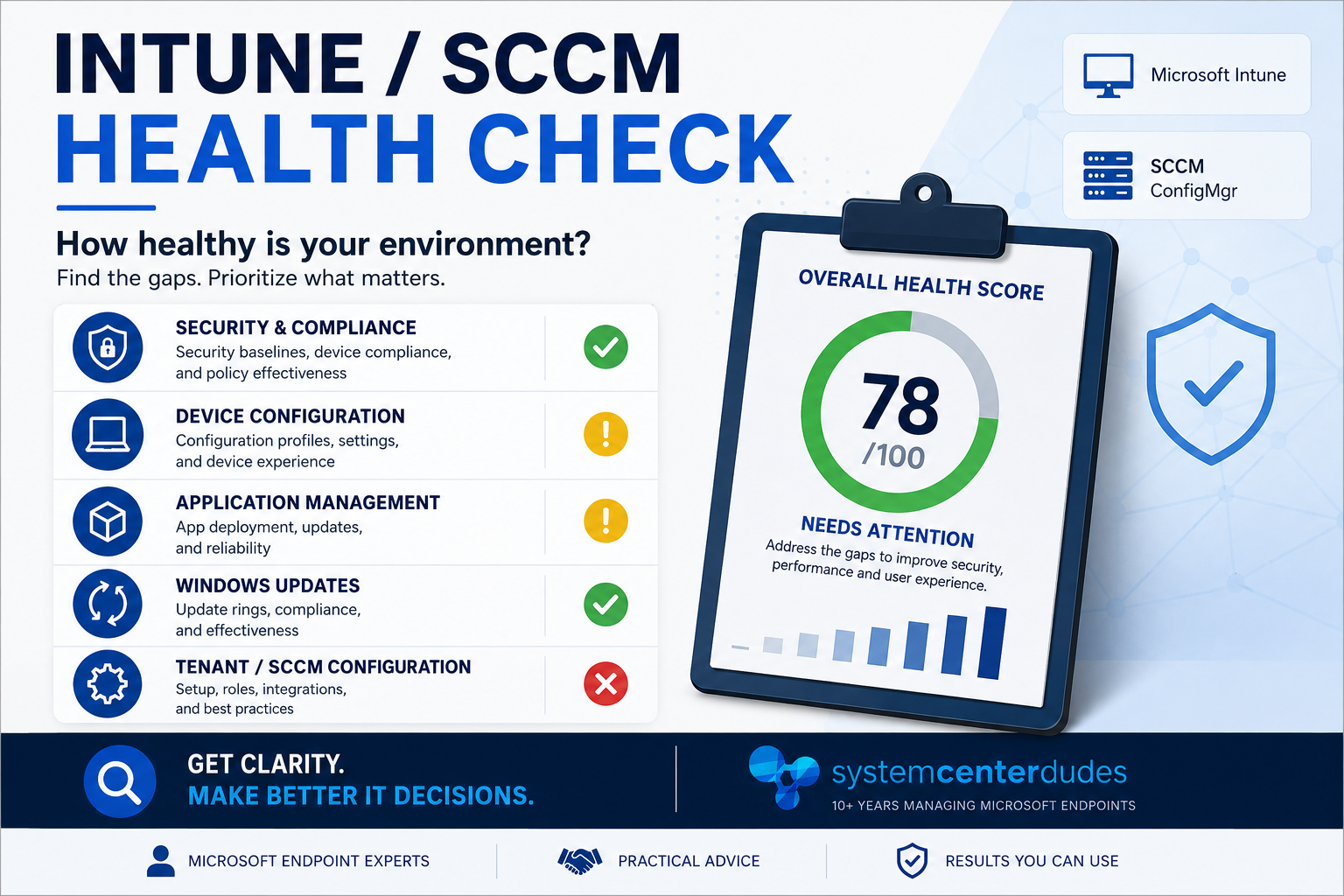
Intune Assessment: What We Check and Why It Matters
Founder of System Center Dudes. Based in Montreal, Canada, Senior Microsoft SCCM Consultant, 8 times Enterprise Mobility MVP. Working in the industry since 1999. His specialization is designing, deploying and configuring SCCM, mass deployment of Windows operating systems, Office 365 and Intune deployments.

Benoit Lecours
PresidentTable of Content
- What Does an Intune Assessment Include?
- Finding Intune Configuration Problems
- Reviewing Intune Security
- Old Policies, Groups and Assignments
- Reviewing Windows Autopilot
- Application Management and Patching
- Windows Update and Autopatch Strategy
- Why an Intune Assessment Helps With Troubleshooting
- Before an SCCM to Intune Migration or Major Project
- The Most Important Part Is the Recommendation
- When Does an Intune Assessment Make Sense?
- Intune Assessment Final Thoughts






Share


Get the latest insights and exclusive content delivered to your inbox
Microsoft Intune has changed a lot over the last few years. For many organizations, it started as a tool to manage mobile devices or deploy a few configuration profiles. Today, Intune can sit at the center of endpoint management, security, applications, Windows Autopilot, compliance, Microsoft Defender, BitLocker, Windows Updates and much more.
The challenge is that most Intune environments are not built in one shot. They grow over time. One administrator creates a configuration profile, someone else adds a security policy a few months later, temporary groups are created for a project, new applications are deployed, and old policies are sometimes left in place because nobody is completely sure if they are still needed.
After a few years, the environment may still work very well, but it becomes harder to answer a simple question: Is our Intune environment actually configured the way it should be?
This is where an Intune Assessment can be useful. The goal is not to prove that the environment is badly configured or recommend rebuilding everything. Most environments we review already have a good foundation. The idea is to review the configuration as a whole, identify risks or unnecessary complexity and provide practical recommendations on what should be improved.
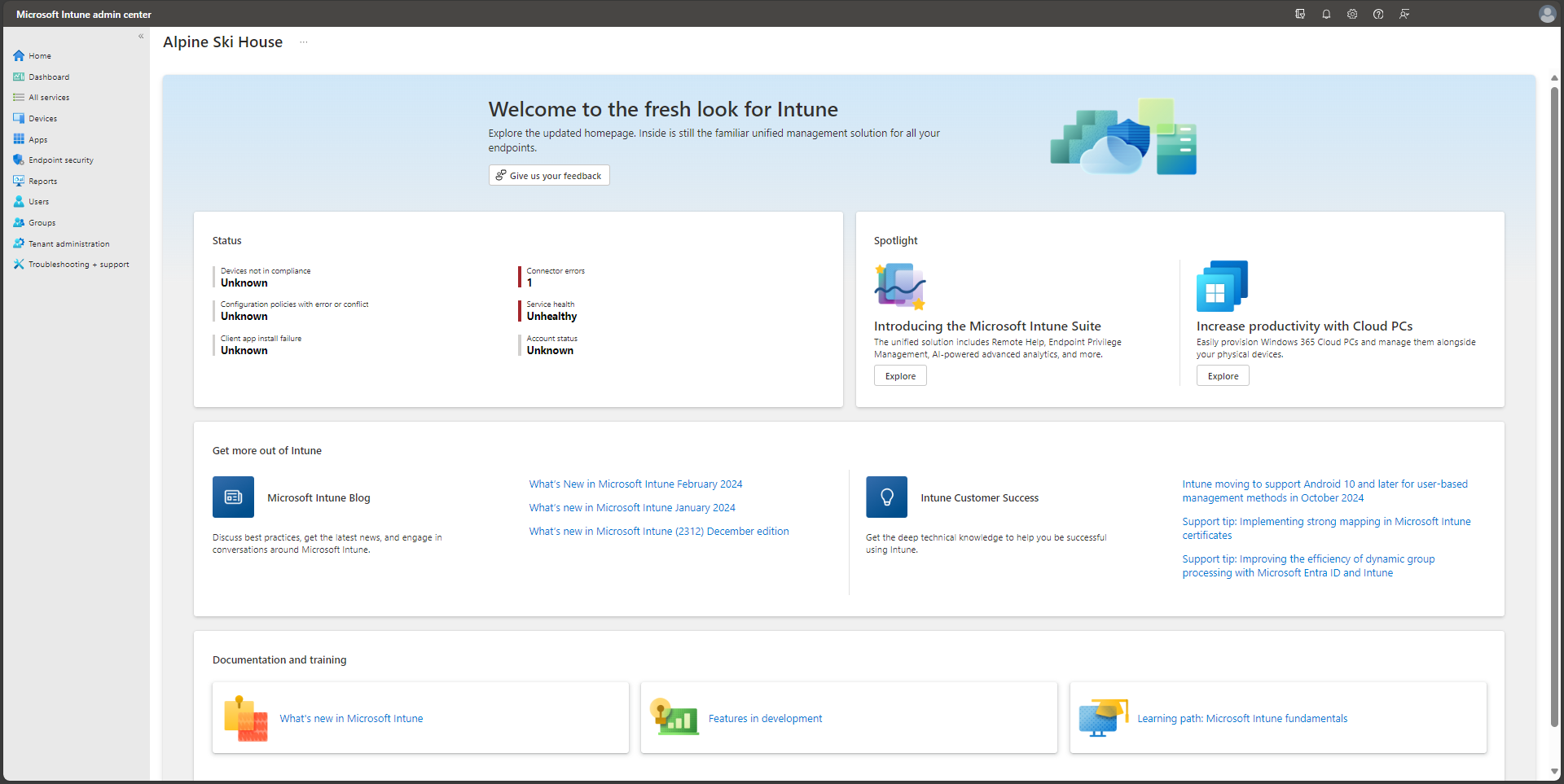
What Does an Intune Assessment Include?
An Intune assessment is a technical review of the existing environment. It should go further than simply exporting policies and putting them into a report. We want to understand what is configured, how it is assigned, why it was configured that way and whether it still makes sense today.
A typical review can include:
| Area | What We Review |
|---|---|
| Enrollment | Enrollment restrictions, platforms and device ownership |
| Windows Autopilot | Profiles, ESP, Group Tags and deployment flow |
| Configuration | Settings Catalog, templates, conflicts and duplicate settings |
| Security | Defender, Firewall, BitLocker, LAPS and security baselines |
| Compliance | Compliance policies and Conditional Access integration |
| Applications | Win32 apps, detection methods, dependencies and assignments |
| Windows Updates | Update rings, Feature Updates, drivers and Autopatch |
| Administration | RBAC, permissions and scope tags |
| Assignments and Deployments | Groups, filters, exclusions and targeting |
| Monitoring | Device health, deployment failures and reporting |
Not every environment needs the same level of review. An organization using Autopilot heavily may need more attention around provisioning and applications, while another company may be more concerned about security or an upcoming SCCM-to-Intune migration.
The important part is understanding whether the existing configuration still makes sense. Intune changes quickly, and a policy that was the best option three years ago may no longer be the best way to manage the same setting today.
Finding Intune Configuration Problems
One of the most common things we find during assessments is overlapping configuration. Intune gives administrators several ways to configure many Windows settings. The same setting might exist in a Settings Catalog profile, an Endpoint Security policy, a security baseline or even an older custom CSP.
This does not always create a conflict, but it can make troubleshooting much more difficult. We often see environments where everyone knows a setting is being applied, but nobody is completely sure which policy is responsible for it.
This is normal in environments that have been managed by several administrators over the years. New policies get created because nobody wants to modify an older one, test profiles stay around longer than expected, or a temporary configuration eventually becomes permanent.
An Intune assessment helps identify these situations. Sometimes the recommendation is to consolidate policies, sometimes it is to remove an old configuration, and sometimes the existing setup is fine but simply needs better documentation. The goal is not to reduce the number of policies for no reason. It is to make the environment easier to understand, manage and troubleshoot.
Reviewing Intune Security
Security is usually one of the most important areas of an Intune assessment. Microsoft continues to add new security capabilities to Intune and Microsoft Defender, while many organizations are still using policies that were created several years ago.
We normally review Microsoft Defender Antivirus, Defender Firewall, BitLocker, Windows Hello for Business, Windows LAPS, compliance policies, Conditional Access integration, Endpoint Detection and Response and security baselines.
The objective is not to enable every security setting available in Intune. That can actually create more problems than it solves. Some security controls can have an impact on users or applications, especially in environments with older business software.
Attack Surface Reduction rules are a good example. Enabling an ASR rule is easy. Understanding what the rule will block, testing it properly and making sure it does not interfere with an important application is the part that requires more attention.
A good Intune security review should therefore identify the gaps, explain the risk and recommend a practical way to improve the configuration.
Old Policies, Groups and Assignments
Old and unused configurations are extremely common in Intune. If you have been managing the environment for a few years, you probably have policies with names such as :
Windows Security - TestWindows Security - NewWindows Security - New V2Windows Security - Production
Maybe everyone knows which one is currently being used. Maybe nobody wants to delete the others just in case. We’ve all seen this.
During an assessment, we normally look for policies with no assignments, old test configurations, duplicate profiles, deprecated settings, unused applications and groups that may no longer be required.
Assignments are also important. A perfectly configured policy can still create problems if it is targeted incorrectly. Over time, organizations often accumulate many Entra ID groups, exclusions and a mix of user and device assignments. Eventually, simple questions become difficult to answer: Why does this device receive the policy? Why is this user excluded? Should the policy be assigned to users or devices?
There is no single assignment model that works for every organization, but there should be a consistent strategy. Simplifying groups and assignments can make the environment much easier to manage.
Reviewing Windows Autopilot
Windows Autopilot is another area where we often find opportunities for improvement. Many organizations implemented Autopilot a few years ago and have not changed much since. If the deployment works, there is no reason to rebuild it, but there may still be ways to make it faster and more reliable.
We typically review the Enrollment Status Page, required applications, Autopilot profiles, device naming, Group Tags, dynamic groups, pre-provisioning and enrollment restrictions.
One common issue is having too many applications installed during the initial Autopilot deployment. It sounds good because the device is delivered with everything already installed, but it can also make provisioning much longer and increase the possibility that one failed application will block the process.
Sometimes moving a few non-critical applications outside the initial provisioning phase can make a noticeable difference. The user gets access to the device faster and the remaining applications install afterward.
Application Management and Patching
Applications are often one of the biggest operational workloads for an Intune administrator. During an assessment, we review how Win32 applications are packaged and deployed, including detection methods, requirement rules, dependencies, supersedence, install commands and assignments.
A bad detection method can create recurring failures even if the application package itself works perfectly.
We also look at what happens after the application is deployed. Packaging an application once is relatively easy. Keeping Chrome, Adobe Reader, Zoom, 7-Zip and dozens or hundreds of other applications updated every month is where the workload starts to increase.
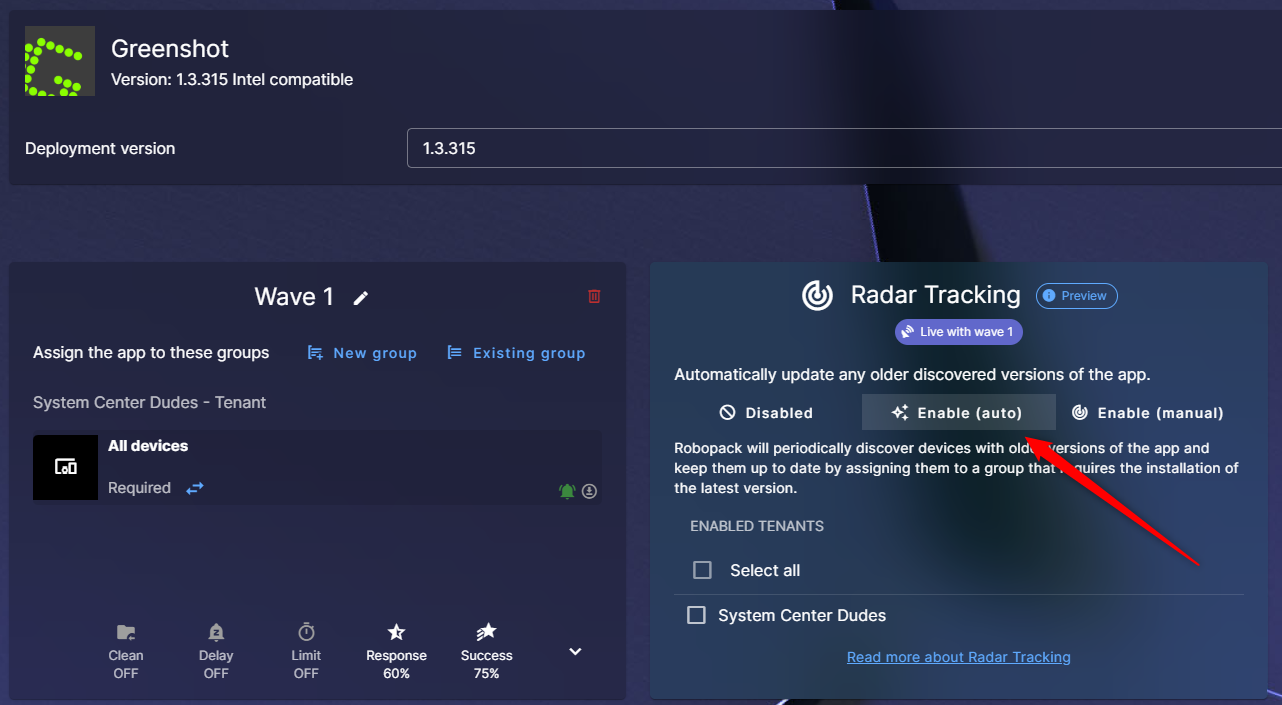
If everything is being packaged and updated manually, that may work perfectly for a smaller application catalog. In larger environments, packaging and patching automation may reduce a significant amount of repetitive work.
An assessment is a good opportunity to review the complete application lifecycle and determine whether some parts of it can be simplified or automated.
We also evaluate if a third-party solution is suitable for your environment. A solution like Patch My PC or Robopack can save tons of work when you have lots of applications.
Windows Update and Autopatch Strategy
Windows Update management in Intune has also changed considerably. Organizations can now use update rings, Feature Update policies, Quality Update policies, driver policies and Windows Autopatch.
Because these features were introduced at different times, we sometimes find environments where the update strategy has grown piece by piece. There may be too many deployment rings, old policies may still be assigned or pilot groups may not represent the production environment very well.
The objective of the assessment is to determine whether the current design provides the right balance between control and simplicity. Having many deployment rings gives administrators more control, but it also creates more work. Sometimes a simpler model with a clear pilot population and production deployment is easier to maintain.
Why an Intune Assessment Helps With Troubleshooting
A clean Intune environment is easier to troubleshoot. When an application fails, a device becomes non-compliant or a configuration profile does not apply, the IT team needs to understand what happened quickly.
If the environment contains hundreds of profiles, unclear assignments and multiple policies configuring the same settings, every issue takes longer to investigate.
You do not always notice this complexity when everything is working. You definitely notice it when something breaks. Reducing unnecessary configuration and having a clear assignment strategy can save a surprising amount of time during day-to-day administration.
Before an SCCM to Intune Migration or Major Project
An Intune assessment can also be valuable before starting a larger endpoint management project such as an SCCM-to-Intune migration, Windows Autopilot rollout, Defender deployment, Conditional Access project, Windows Autopatch implementation or security hardening initiative.
Starting a project without understanding the current environment can lead to old problems being moved into the new design. This is especially true for SCCM-to-Intune migrations. Moving workloads from Configuration Manager to Intune should not mean recreating every configuration exactly as it exists today.
It is a good opportunity to ask whether the old configuration is still needed and whether there is now a better way to accomplish the same thing in Intune.
The Most Important Part Is the Recommendation
It is easy to create a very large Intune assessment report. You can export hundreds of settings, include screenshots and generate a document that is 100 pages long. But a large report is not necessarily useful.
For us, the most important part is the recommendations and their priority. Finding 50 things that could be changed is easy. Knowing which five things should be addressed first is much more valuable. A missing security control may require immediate attention, while a naming convention problem can probably wait. Both are valid findings, but they should not have the same priority.
A useful assessment should clearly separate critical issues, high-priority improvements, medium-priority items and general optimizations. This gives the IT team an actual roadmap instead of a long list of observations.
When Does an Intune Assessment Make Sense?
An assessment usually makes sense if the environment has been running for several years, multiple administrators have worked on it, the company is preparing for an important endpoint management project or the IT team simply wants a second opinion on the current configuration.
There is also a very common situation where Intune is working, devices are enrolled, applications are deploying and users are not complaining, but the IT team is still not completely sure if the environment follows current best practices. That is actually a good reason to review it.
You do not need to wait until something is broken.
Intune Assessment Final Thoughts
Microsoft Intune changes quickly. A configuration that made perfect sense a few years ago may still work today, but there may now be a cleaner, safer or simpler way to achieve the same result.
That does not mean you need to redesign Intune every year. A periodic review is simply a good way to identify technical debt, security gaps and opportunities to simplify the environment.
At System Center Dudes, this is how we approach our Intune Assessment service. We review the environment like we would if we were taking over its day-to-day management. We look at what makes sense, what could cause problems later, what may be missing and what we would improve first.
The goal is not to tell you that everything needs to be rebuilt. Most of the time, it doesn’t.
The goal is to give your IT team a second set of experienced eyes on the environment and a practical list of what is worth improving next.
Need a Second Opinion on Your Intune Environment?
Our Intune Assessment provides an independent review of your current Intune configuration, including security, applications, Autopilot, compliance, updates and assignments, followed by a prioritized list of recommendations.
To Learn more about our Intune Assessment services visit our consulting page or book us for quick discussion on how we can help.
Share
Get the latest insights and exclusive content delivered to your inbox


Only authorized users can leave comments
Log In