

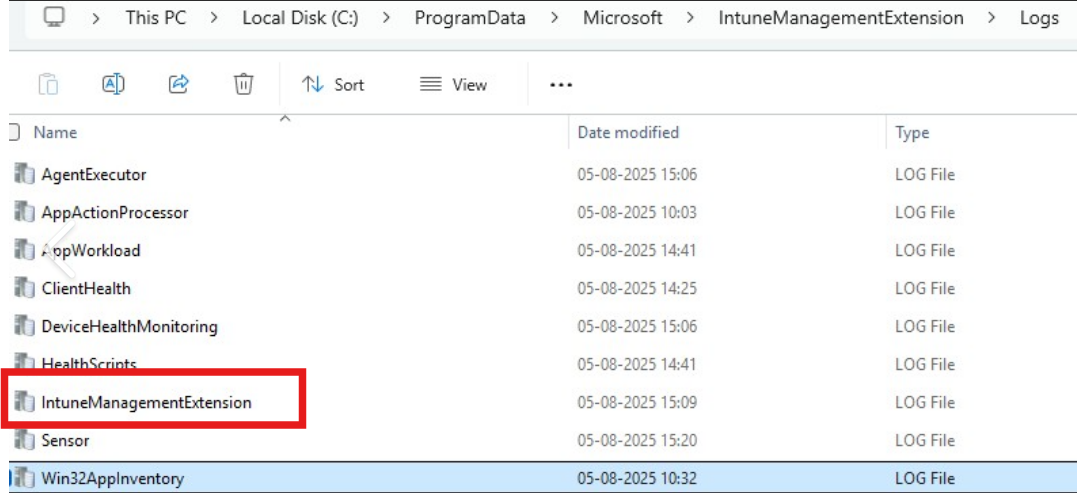
Understanding Microsoft Intune Logs files for Troubleshooting
Founder of System Center Dudes. Based in Montreal, Canada, Senior Microsoft SCCM Consultant, 8 times Enterprise Mobility MVP. Working in the industry since 1999. His specialization is designing, deploying and configuring SCCM, mass deployment of Windows operating systems, Office 365 and Intune deployments.

Benoit Lecours
PresidentTable of Content






Share


Get the latest insights and exclusive content delivered to your inbox
If you’re an administrator coming from the SCCM world, troubleshooting was usually straightforward. Log files were well-known, easy to find, and over the years, you knew them by heart.
In Microsoft Intune, things work differently. When something fails, the problem is usually not the deployment itself, but understanding where to look, depending on the type of deployment (configuration policy, app deployment, updates…)
Knowing the right Intune logs files can save hours of guesswork. This blog post explains the most important Intune logs files, their purpose, and when to review them.
As for SCCM log files, we recommend using CMTrace to read Intune Log files. CMTrace is included in the SCCM Installation media, available to download on the Microsoft website.
Intune Management Extension Log (IME)
First, let’s explain the process of the Intune agent. The Intune management extension installs automatically when certain features are assigned to a user or device. It’s the “Intune agent” on your device. Installation of the agent occurs when a feature is assigned:
- PowerShell scripts
- Remediations
- Discovery scripts for custom compliance
- Win32 apps
- Endpoint analytics
- Remote Help
- Managed Installers in Intune
- Update Windows BIOS using configuration MDM policy
You can see if it’s running on your machine:
- Under Services / Microsoft Intune Management Extension
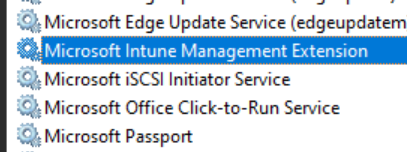
This service logs all the IME check-ins, policy requests, policy processing, and reporting activities. In the main Intune log file located by default in:
C:\ProgramData\Microsoft\IntuneManagementExtension\Logs\IntuneManagementExtension.log
Intune Log Size
You may see multiple log files with the same name and timestamp. Once a log file reaches 3MB, it creates a new log file and renames the “old” one with a date timestamp. (Ex:IntuneManagementExtension-20260130-201901.log)
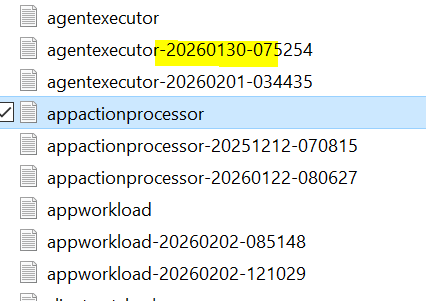
You can change this default size using the registry editor under :
HKLM\SOFTWARE\Microsoft\IntuneWindowsAgent\Logging
Value name: LogMaxSize
Value type: String
Value data: Size of log files in bytes (Ex:5000000)Intune Log File Location
All Intune log files are located in the same directory by default. It can be changed using the registry editor under :
HKLM\SOFTWARE\Microsoft\IntuneWindowsAgent\Logging
Value name: LogDirectory
Value type: String
Value data: Directory of log files (Ex:C:\IntuneLogFiles)Other Intune Log Files
Except for IME check-ins, policy requests, policy processing, and reporting activities, Intune logs its activity in different logs depending on the activity being executed.
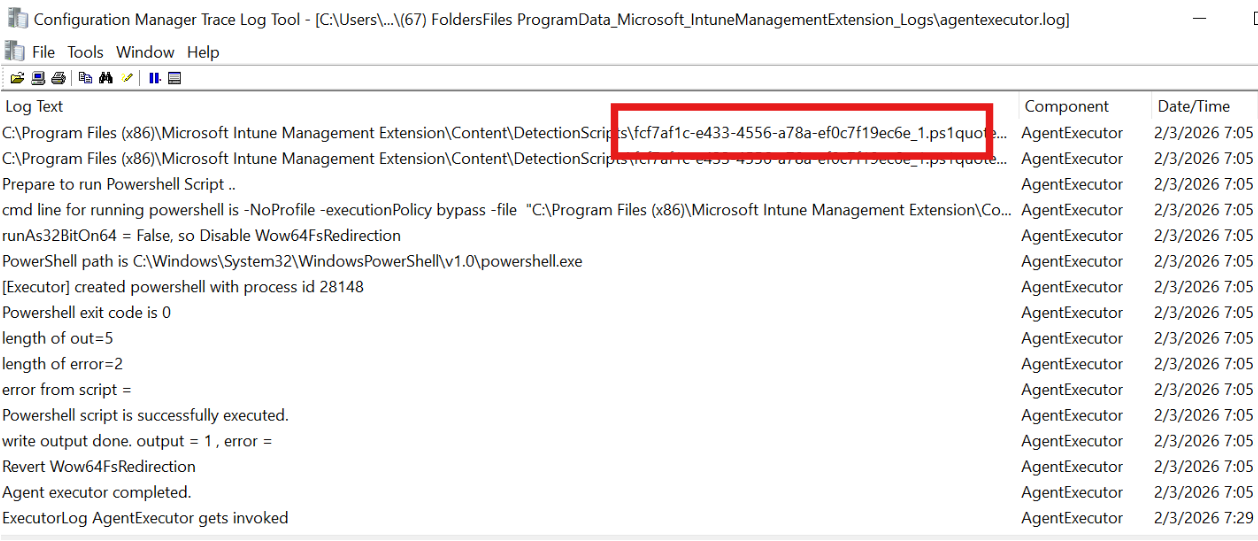
AgentExecutor.log
This log tracks PowerShell script executions
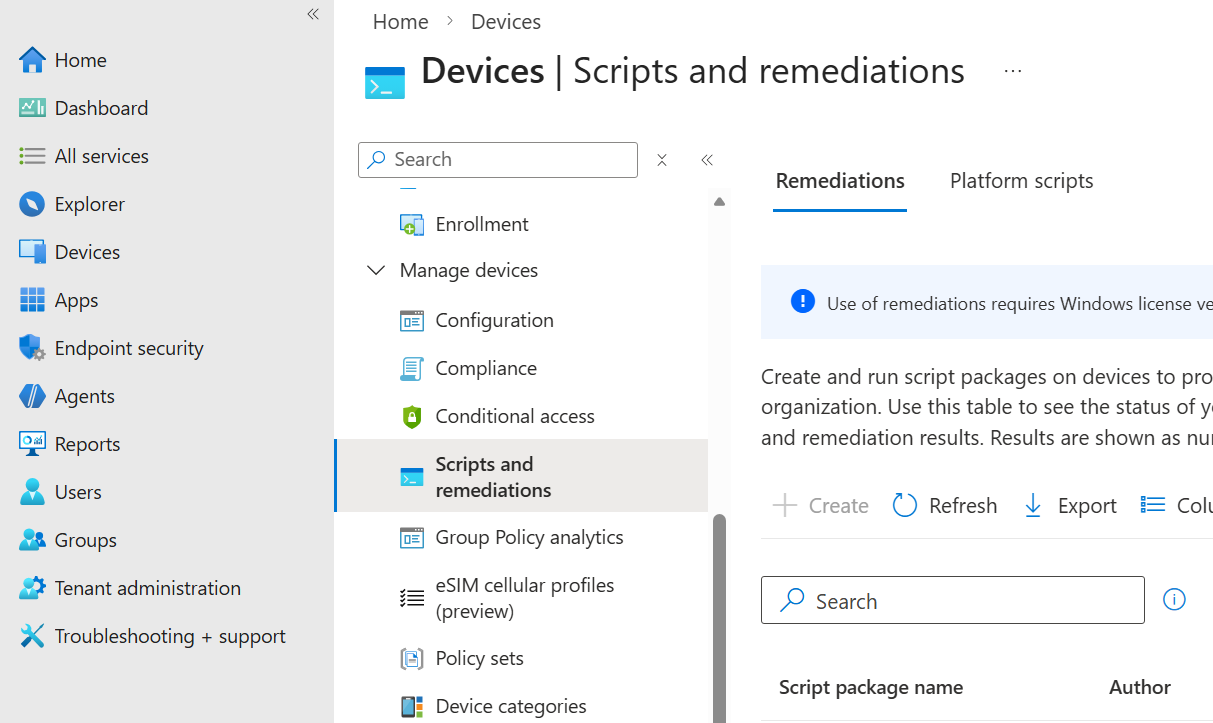
The AgentExecutor log files use script GUID to identify its actions. To match GUID with your scripts in the Intune console, open a script and look at its GUID in the URL bar of your browser and match it with the one in the log file.
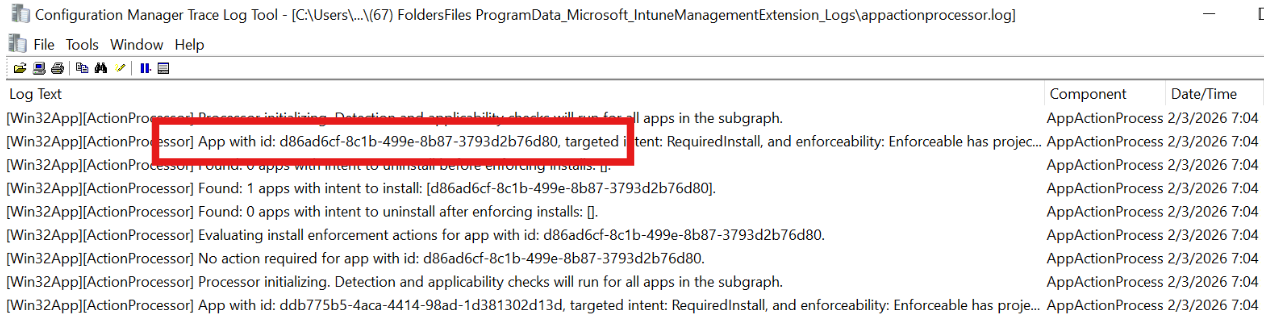
AppActionProcessor.log
Tracks detection and applicability check actions for assigned apps.
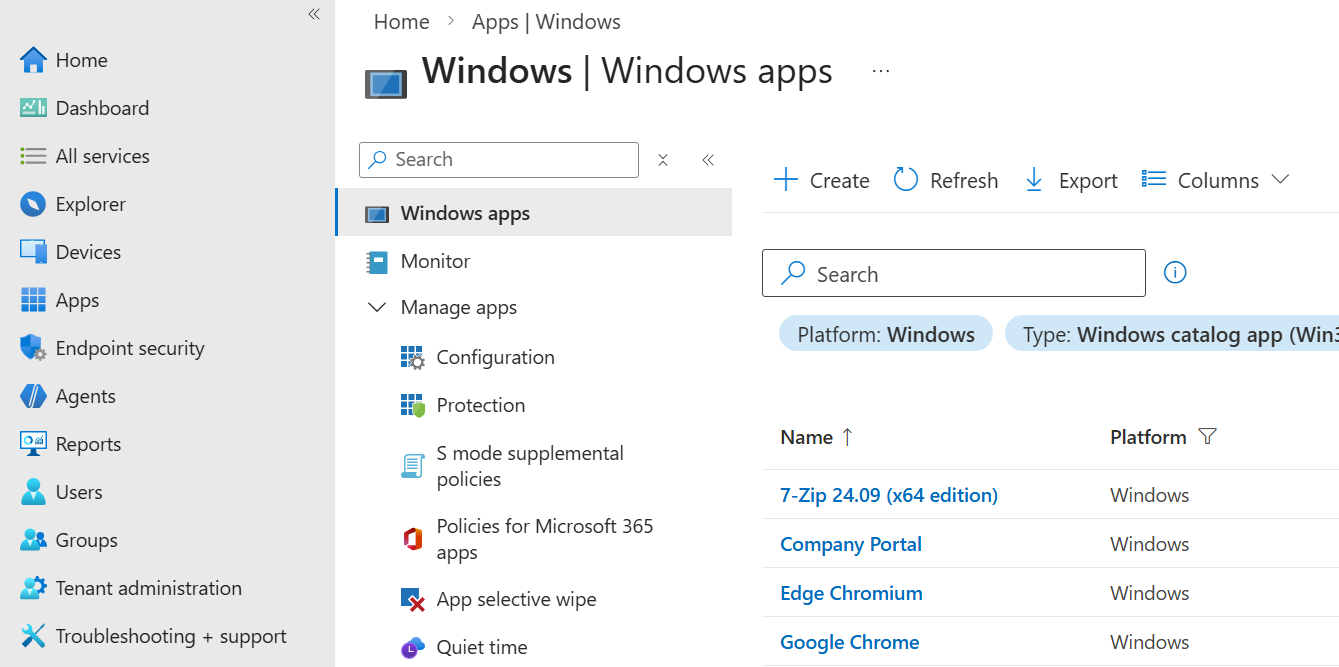
The AppActionProcessor log files use app GUID to identify its actions. To match GUID with your app in the Intune console, open an app and look at its GUID in the URL bar of your browser and match it with the one in the log file.
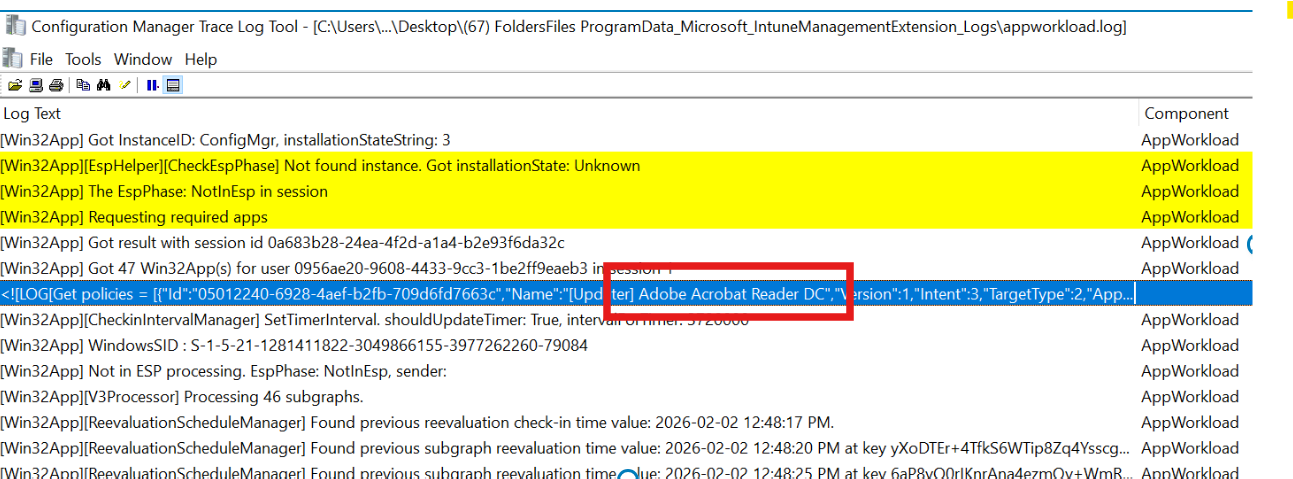
AppWorkload.log
This Intune Logs files, helps troubleshoot and analyze Win32 app deployment activities.
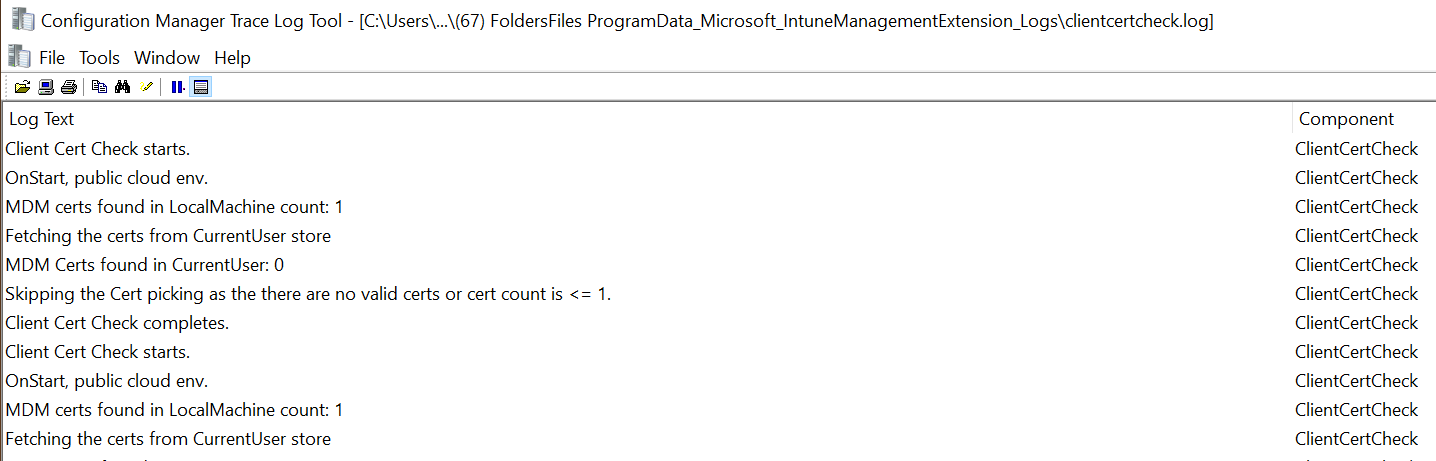
ClientCertCheck.log
Tracks device client certificate checks.
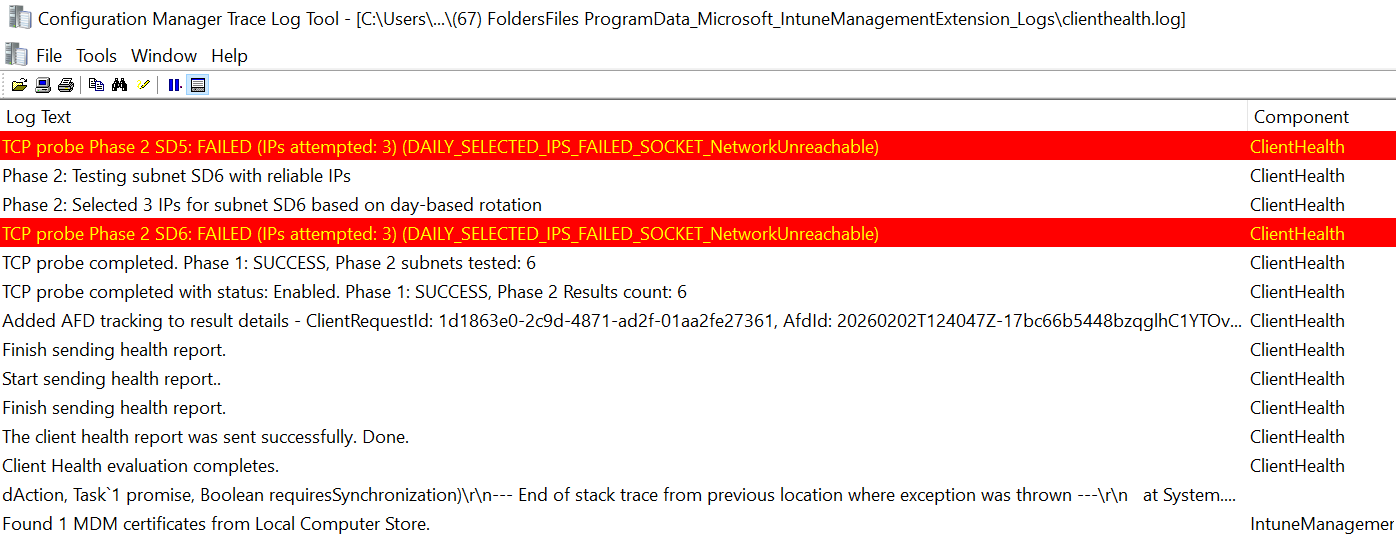
ClientHealth.log
Tracks the health of the Intune management extension. Useful if you have any communication problem with a device.
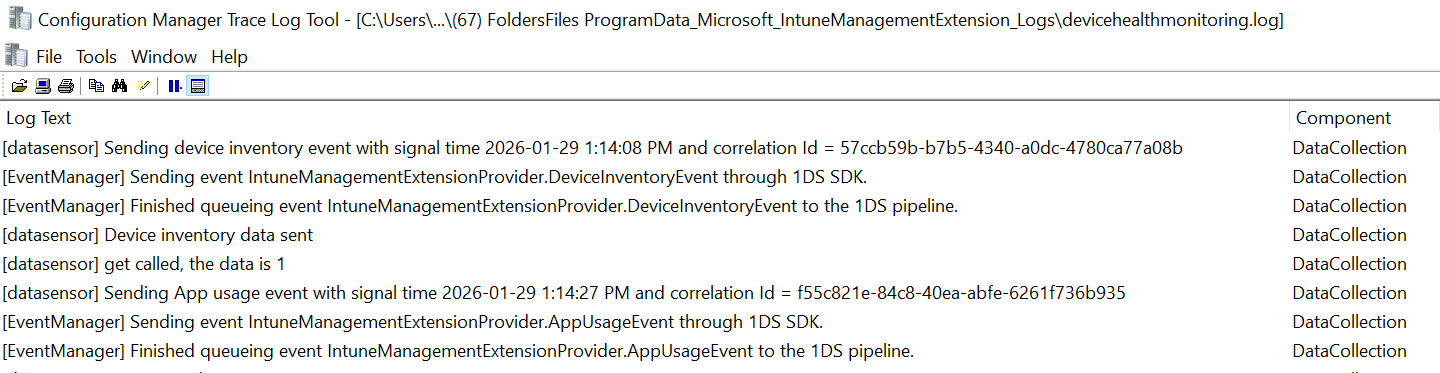
DeviceHealthMonitoring.log
Tracks the health of hardware readiness, device inventory, and other data collectors.
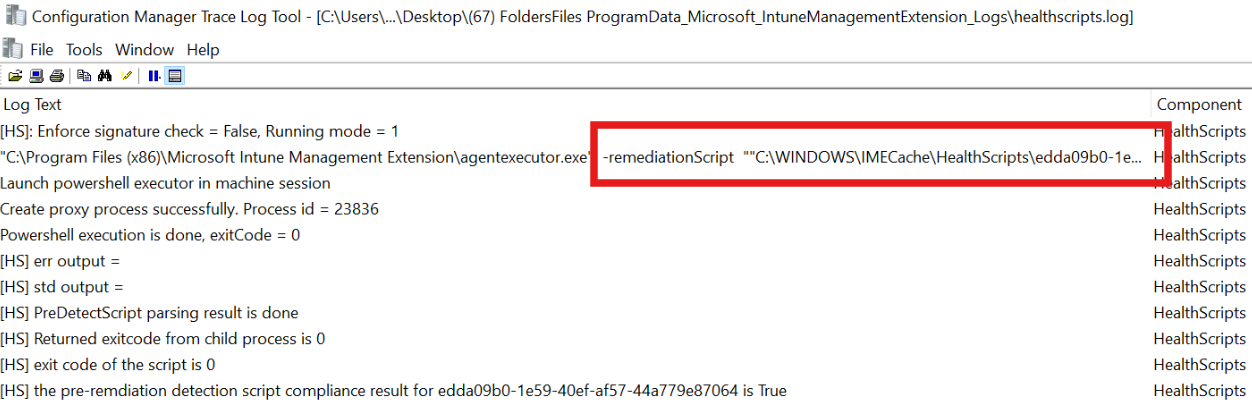
HealthScripts.log
Tracks the health of remediations that run on a regular schedule. This includes information about Remediation scripts.
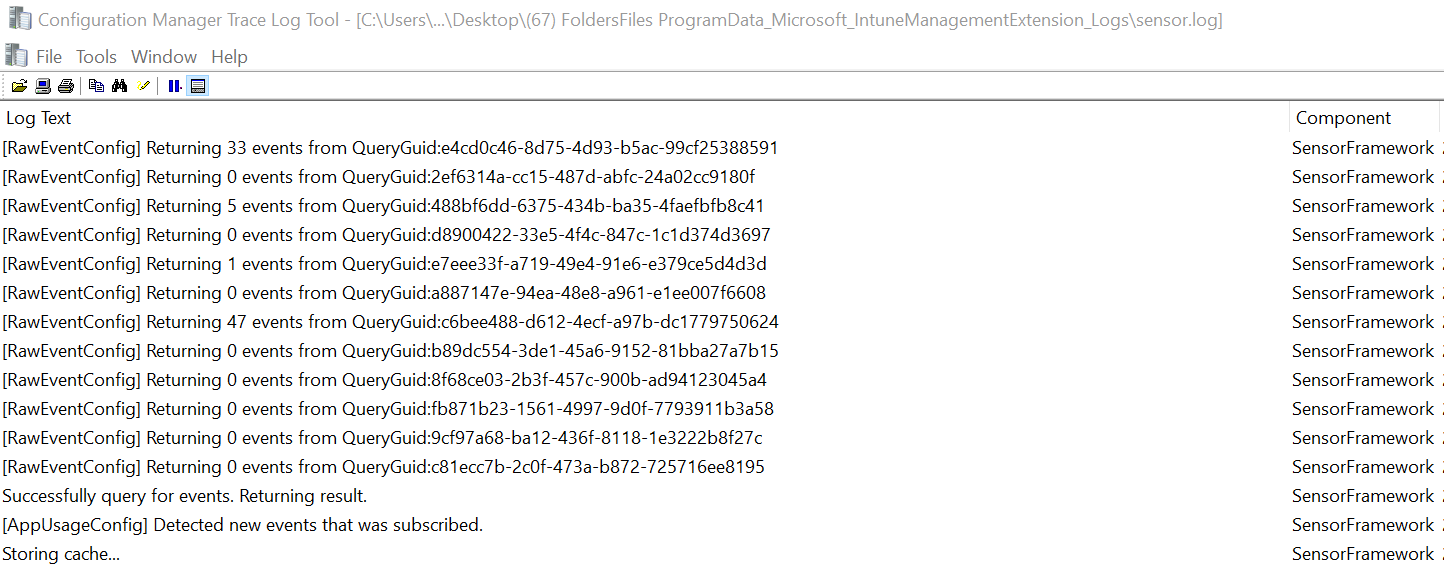
Intune Logs files – Sensor.log
Tracks the health of the Endpoint analytics data collector, including boot performance, app reliability, and more. This log is generally not useful for troubleshooting app deployment or device check-in issues. Instead, it serves as a reference for system performance and usage events.
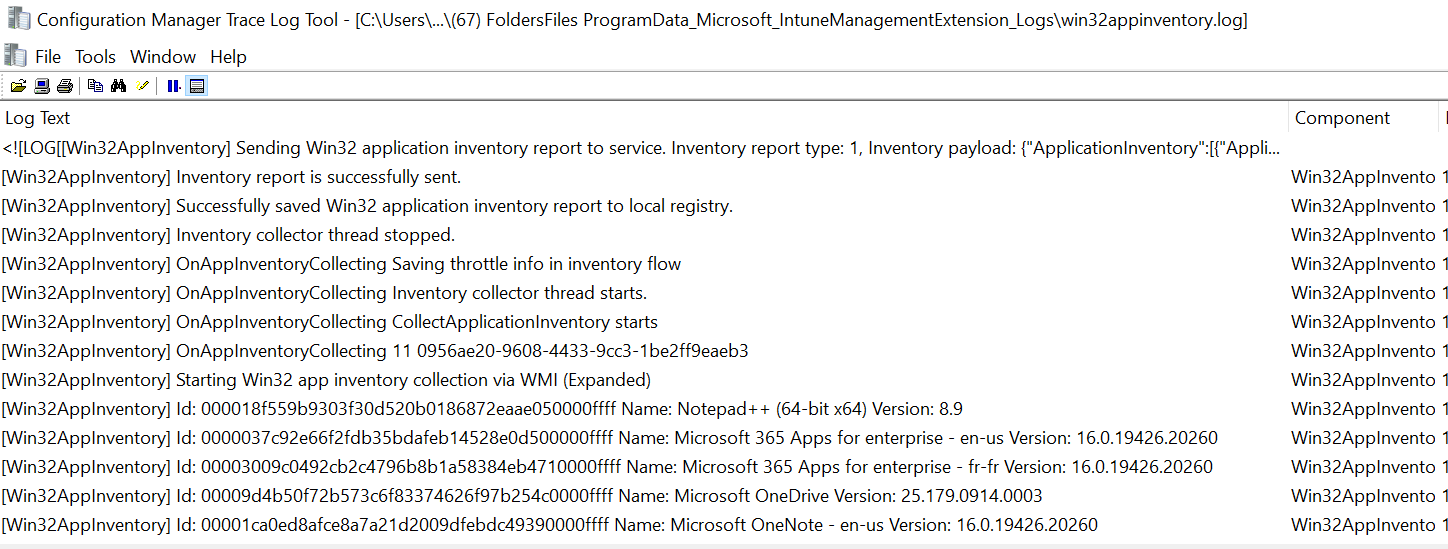
Win32AppInventory.log
Tracks the health of the app inventory collector. Tracks the scan of installed Win32 applications, versions, detection status, and reporting.
Event Logs
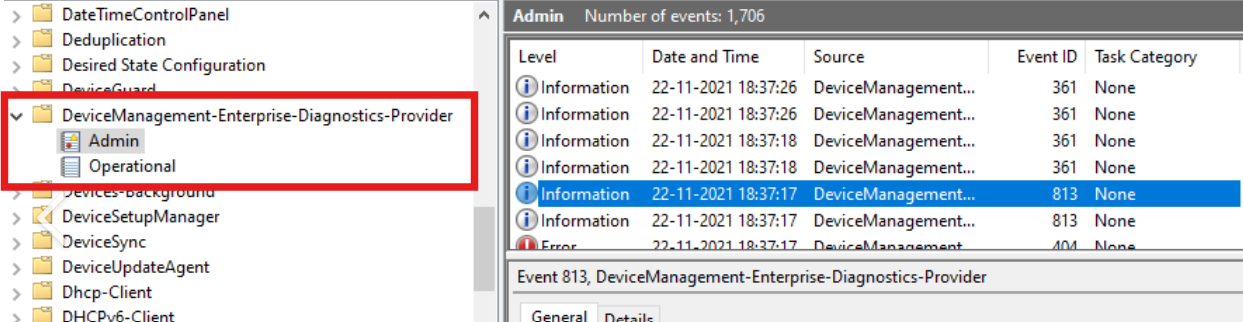
Other than the Intune log files, you can find useful MDM information logged in the Event Viewer.
Applications and Services Logs / Microsoft / Windows / DeviceManagement-Enterprise-Diagnostics-Provider
We hope this article was helpful in your troubleshooting journey. Let us know in the comments section if you have more ways to troubleshoot your Intune daily operations.
Share
Get the latest insights and exclusive content delivered to your inbox


Only authorized users can leave comments
Log In