

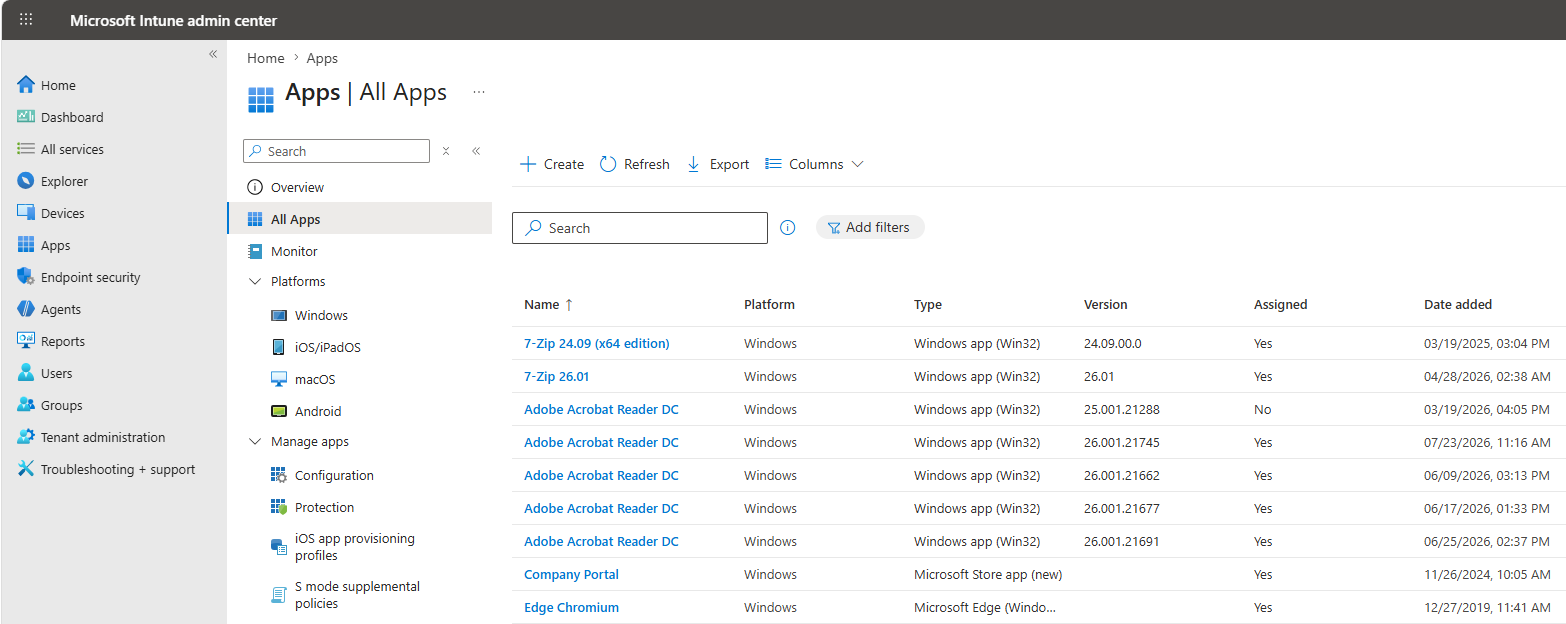
Nobody Talks About Intune Applications Migration
Founder of System Center Dudes. Based in Montreal, Canada, Senior Microsoft SCCM Consultant, 8 times Enterprise Mobility MVP. Working in the industry since 1999. His specialization is designing, deploying and configuring SCCM, mass deployment of Windows operating systems, Office 365 and Intune deployments.

Benoit Lecours
PresidentTable of Content




Share


Get the latest insights and exclusive content delivered to your inbox
If you’ve been planning a move from Configuration Manager (SCCM) to Microsoft Intune, you’ve probably spent a lot of time thinking about devices. How will they enroll? Which policies need to be recreated? What about security baselines? Will Autopilot fit into the rollout? Those are all important questions.
But after working with organizations going through these projects, we’ve spotted a pattern. The biggest challenges usually aren’t about devices at all. They’re about Intune applications migration.
The Technical Migration Is Only Half the Story
Moving devices to Intune has become much easier over the last few years. Microsoft has invested heavily in making the transition smoother, and there are plenty of tools and guides available to help.
What catches teams off guard is everything that happens after the device lands in Intune. Users still need the same applications they’ve always relied on. They still need a simple way to request new software. Managers still need approval processes. IT still needs to know who owns an application, how licenses are managed, and whether software is actually being used.
None of those challenges disappear just because the device is now cloud-managed.
Applications Are More Than Installers
It’s easy to think of application migration as simply packaging software and deploying it through Intune. In reality, every application comes with its own set of business rules.
Finance software may require accounting’s approval. Engineering tools have a fixed license pool. Some apps should only be available to specific teams or sites. Over time, IT builds processes around these requirements. Those processes become part of how the business operates.
When it’s time to modernize endpoint management, those processes don’t automatically move with the applications.
User Experience Defines Migration Success
Imagine the migration goes perfectly from an IT perspective.
Devices are enrolled. Policies are working. Security is in place. Then Monday morning arrives.
An employee needs an application they use every day but can’t find it. Another submits a ticket because they’re not sure how to request software anymore. Managers start emailing IT to approve installs that used to follow a different process.
Suddenly, what looked like a successful migration begins generating frustration. Not because Intune isn’t working, but because the application experience has changed.
For most employees, that’s what defines whether the migration was successful.
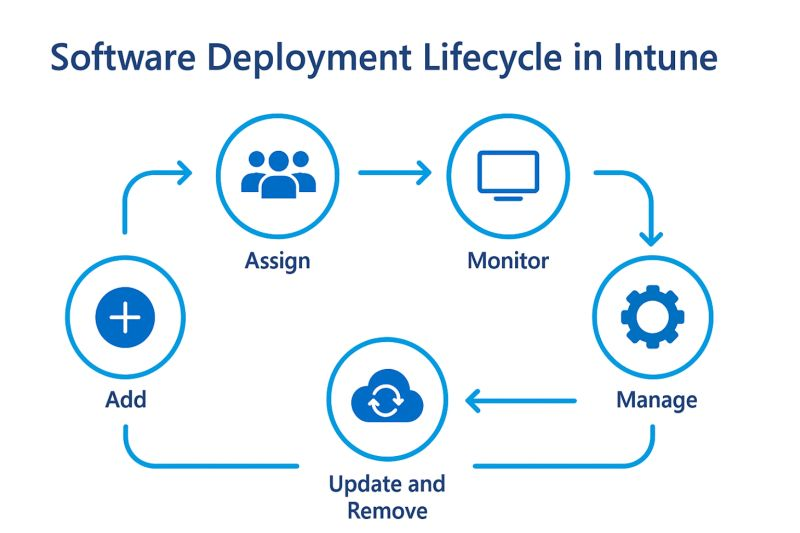
Plan for the Entire Intune Application Lifecycle
A successful modernization project isn’t just about getting applications onto devices.
It’s also about thinking through questions like:
- How will employees discover available applications?
- How will they request software they don’t already have?
- Who approves access to licensed applications?
- How will IT maintain visibility into software usage?
- What happens while some devices are still managed by SCCM and others by Intune?
These aren’t technical questions as much as operational ones, but answering them early can save a lot of headaches later.
Modern Management Means Modern Application Delivery
As organizations continue moving toward cloud management, applications remain one of the most visible IT services employees interact with every day.
Success isn’t how many devices land in Intune. It’s how little your users feel the change.
Taking the time to think beyond device management and plan for the application experience can make the difference between a migration that works and one that users barely notice.
Before your next migration milestone, it’s worth pressure-testing your application plan the same way you’d pressure-test your device plan. Walk through how a real user requests software on day one. Map who approves what. Check whether your visibility into license usage survives the cutover. If those answers feel shaky, that’s the part of the project worth slowing down on.
That’s the real measure of a successful migration.
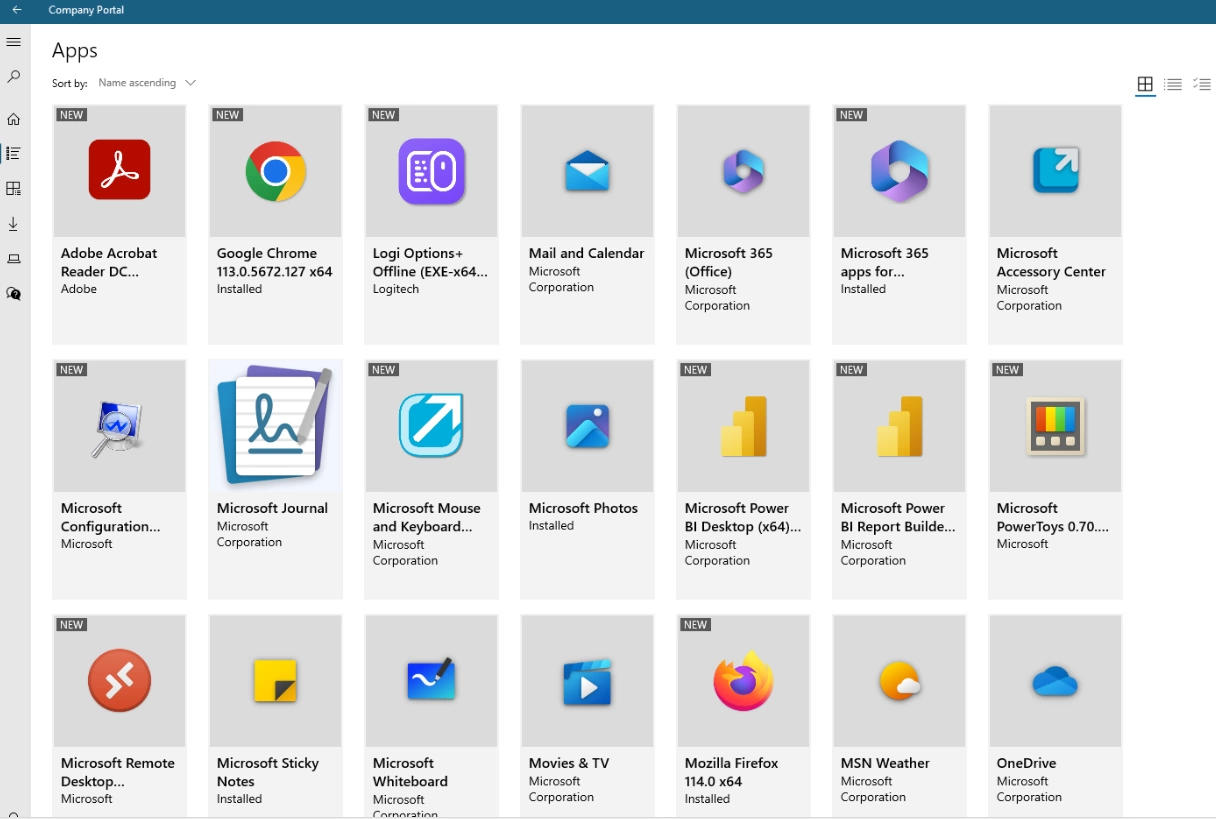
Are you ready for Intune Applications migration ?
We offer a free 20-minute Intune applications Migration assessment of your environment to help you understand where you stand and identify opportunities for improvement.
Fill out the form, and one of our experts will schedule a quick call to discuss your environment and answer your questions.
Share
Get the latest insights and exclusive content delivered to your inbox


Only authorized users can leave comments
Log In